Build Anything Guides
Every how-to for the sandbox builder — from first spawn to protected mega builds.
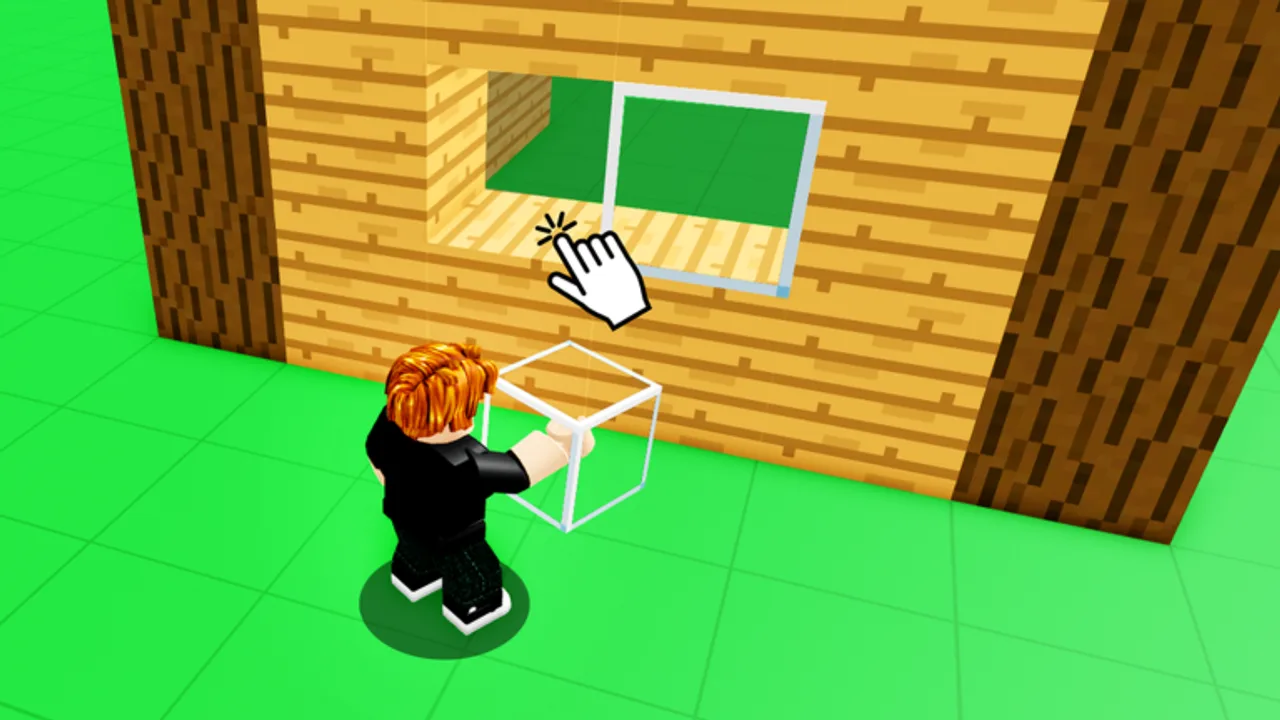
Build Anything! on Roblox is a cooperative sandbox where up to 22 players share a plot, place blocks, use tools, and experiment without a fixed win condition. Whether you joined on launch day (September 20, 2025) or are returning after a break, this hub collects every practical guide on the wiki so you spend less time guessing and more time building.
The game is free to play from Build Anything Games. Progression comes from creativity, optional game passes, and learning how saves work in free private servers — not from a mandatory campaign. Start here, pick the guide that matches your question, and cross-link between pages as your projects grow.
Recommended reading order
New players should follow this path before jumping into advanced topics:
- Getting Started — spawn flow, first tools, and session goals
- Controls — PC, mobile, and gamepad inputs in one reference
- Save Builds — why private servers matter and how persistence works
- Building Tips — structure, color, and performance habits
- Invite Friends — co-op sessions and server capacity
- Protect Builds — reduce griefing in public lobbies
- Mobile & Tablet — touch controls and performance on phones
- Troll & Chaos — gadget etiquette and private vs public chaos
If you are hunting promo codes, read How to Redeem Codes separately — codes are optional and currently unconfirmed as of August 2026.
Guides by topic
Onboarding and mechanics
Getting Started covers the first ten minutes: claiming space, opening the block menu, and understanding that the experience is sandbox-first. Controls documents movement, build mode, delete tools, and camera shortcuts so you are not fighting the UI while friends wait in voice chat.
Persistence and co-op
Save Builds is the most important guide for long projects. Build Anything stores creations when you use the supported private-server workflow — not by hoping a public server stays alive overnight. Invite Friends explains how to fill a server up to the 22-player cap without exposing unfinished work.
Skill building and safety
Building Tips translates community techniques into actionable habits: anchoring logic, vertical builds, interior lighting, and when to buy item packs instead of grinding. Protect Builds focuses on permissions, awareness, and backup mindset when strangers can join public instances.
Mobile and chaos play
Mobile & Tablet Guide covers touch controls, performance settings, and save discipline on phones — pair with Controls for the full input map. Troll & Chaos Guide explains gadget passes, etiquette, and when to keep rocket or freeze toys in private servers instead of public art tours.
Guides vs other wiki sections
| Need | Go to |
|---|---|
| Robux purchases ranked | Tier List and Best Value |
| Block bundles and tools | Items Hub |
| Executor scripts for save/load | Scripts Hub — use at your own risk |
| Patch history | Updates Hub |
| Honest game review | Review |
Contributing your own workflow
These guides describe live game behavior as of August 2026. When Build Anything patches UI labels or save rules, check Updates first, then revisit the relevant guide. For a single page that links every major section, bookmark the Wiki Links Hub.
Quick troubleshooting
If a guide feels outdated after a Roblox patch, compare the in-game button labels with Controls and Updates before assuming saves broke. Most “lost build” reports trace back to joining the wrong server ID rather than broken game code.
Frequently Asked Questions
Quick answers for Build Anything players on Roblox.
Which Build Anything guide should I read first?
Start with Getting Started, then Controls and Save Builds. Those three pages prevent the most common new-player mistakes.
Do guides cover game passes?
Guides focus on gameplay. For Robux purchases, use the Tier List and Items sections instead.
Can I play Build Anything solo?
Yes, but the game supports online co-op up to 22 players. Invite Friends explains how to share a server when you want company.
Where do I learn to save large builds?
Read Save Builds for the private-server workflow, then Protect Builds if you test in public lobbies.
Are there video walkthroughs?
Getting Started and Save Builds include embedded YouTube tutorials with verified gameplay footage. Mobile and Troll guides are text-first.