
Build Anything Wiki Tools
Interactive helpers for passes, planning, and Robux decisions.
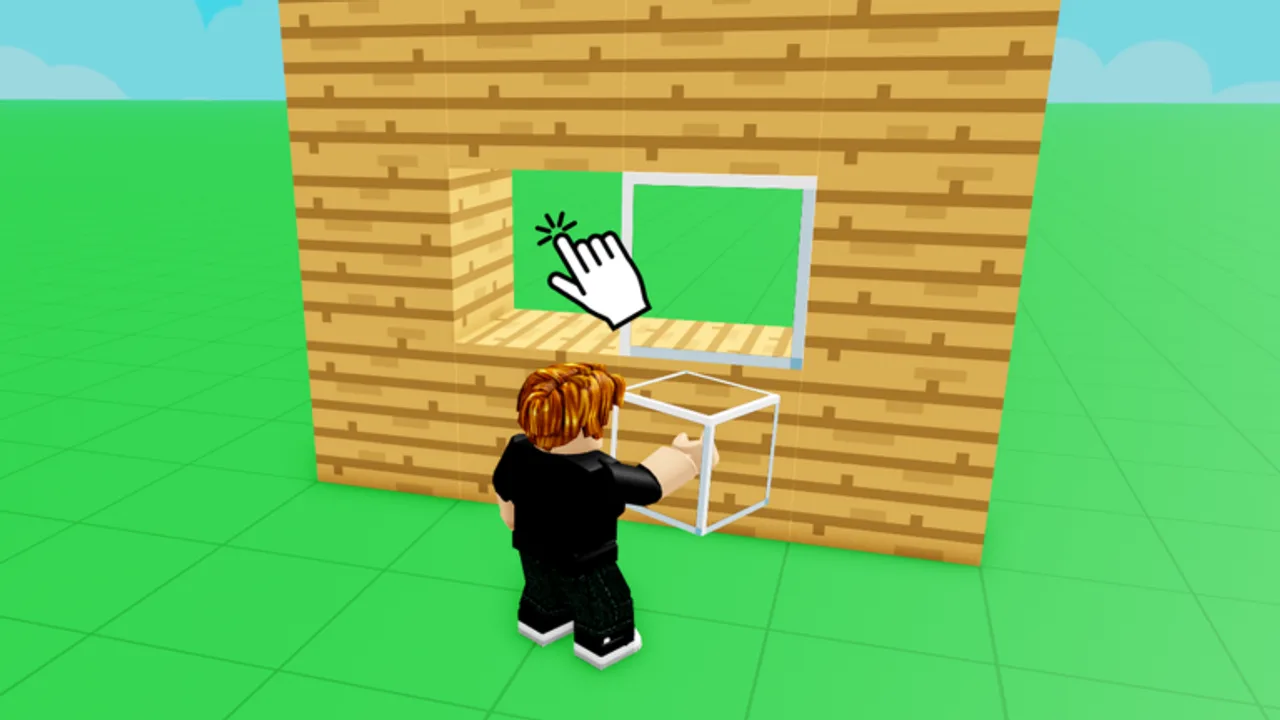
Wiki tools go beyond static guides — they help you decide what to buy, how to plan sessions, and where to click next in Build Anything! without rereading fourteen pass descriptions. This hub indexes on-site utilities maintained alongside Guides, Tier List, and Items content.
Tools run in your browser on buildanything.wiki. They do not modify Roblox clients and do not require executors. For account-safe saves, still use free private servers inside the game.
Available tools
Game Pass Picker
The flagship tool — Game Pass Picker — asks how you play (builder, explorer, collector, meme PvP) and highlights passes that match. An interactive picker component will render on that page: tap archetype chips, toggle budget tier, and see recommended passes with links to Tier List and Best Value writeups.
Use it when:
- You have Robux for one pass only
- Returning after break and forgot which packs you own
- Gifting a friend who builds houses vs troll lobbies
Future tool ideas
As the game grows, this hub may add:
- Session planner — checklist tying Getting Started to Protect Builds
- Co-op role randomizer for Invite Friends events
- Patch diff viewer linked to Updates
Suggestions belong in community feedback channels — not fake code generators.
Tools vs scripts vs codes
| Resource | Safe? | Purpose |
|---|---|---|
| Wiki tools | Yes | Planning and education |
| Game passes | Yes | Official Robux unlocks |
| Promo codes | Yes when real | Free gifts — Codes Hub |
| Executor scripts | No | Exploit risk — Scripts Hub |
How tools stay accurate
Tool logic reads from the same facts as content/facts.json: 14 passes, 22-player co-op, September 20, 2025 release. When developers add passes or change names, we update tools after Updates confirmation.
Recommended workflow
- Play free sessions using Controls and Building Tips
- Note frustrations — color speed, furniture grind, travel time
- Open Game Pass Picker
- Confirm picks on Best Value Passes
- Buy in Roblox shop and test in private server
Related pages
- Game Pass Picker — interactive recommendations
- Items Packs — bundle details after picker results
- Review — is the game worth Robux at all
- Wiki Links Hub — all major URLs in one page
Tool privacy
Planned pickers run client-side without Roblox login. No Robux transactions happen on buildanything.wiki — you always confirm purchases on Roblox.com or the mobile app.
Accessibility
Tools are designed keyboard-first with ARIA labels on picker chips when the component ships. Screen reader users can still read static recommendations in Best Value if interactive mode fails to load.
Mobile usage
Tools work on phone browsers for quick pass checks between Roblox sessions. Add the Tools Hub to home screen bookmarks if you shop passes on mobile frequently.
Feedback loop
When picker results feel wrong, cross-check Items Packs for overlap before filing community feedback.
Frequently Asked Questions
Quick answers for Build Anything players on Roblox.
Are wiki tools official Roblox features?
No. They are fan-made helpers on buildanything.wiki. Purchases still happen on Roblox.
Does the game pass picker cost Robux?
The picker is free. It only suggests passes you may buy separately.
Do tools require login?
Planned tools run client-side without Roblox credentials.
Where is the interactive picker?
On the Game Pass Picker page — component ships alongside this wiki update.
Can tools save my builds?
No. Saving happens in-game via private servers. See Save Builds guide.