Getting Started with Build Anything
Your first session in the Roblox sandbox from Build Anything Games.
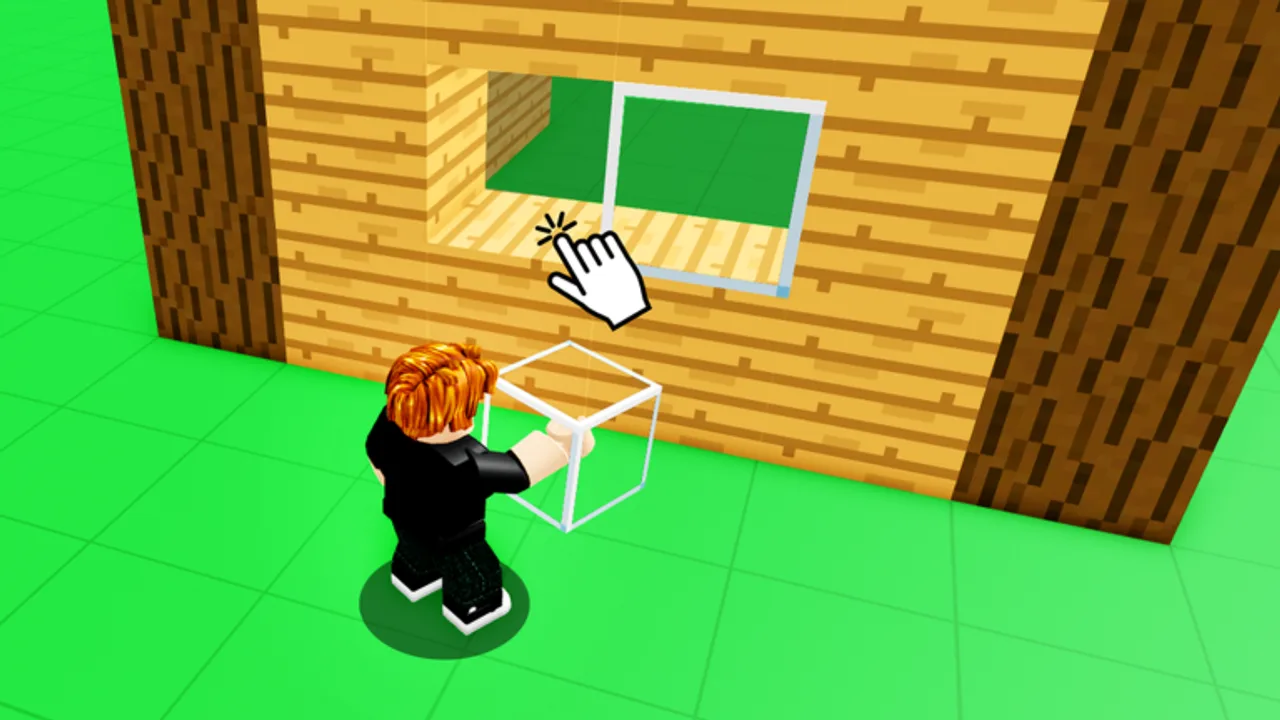
Build Anything! is a Roblox sandbox simulation released September 20, 2025 by Build Anything Games. There is no ranked ladder or story chapter gate — you spawn, grab blocks, and shape the world with up to 21 other players online. This guide walks through your first productive session so you understand saves, tools, and where to go next on the wiki.
The game is free. Optional game passes such as the Paint Tool or Furniture Pack expand your palette, but the base experience already includes enough blocks to learn core mechanics. Treat day one as practice, not perfection.
Joining the experience
Open the official Roblox page for Build Anything and press Play. On PC you launch through the Roblox client; on mobile you need the Roblox app installed. Pick a server with moderate population if you want quiet practice, or join a busy lobby to watch other builders.
After load, you typically spawn in a shared hub or plot zone. Look for:
- A block catalog or inventory button
- Tool icons along the left or bottom HUD
- Settings for graphics and controls
- Signs or UI hints about private servers and saves
If buttons feel cramped on phone, switch to the Controls guide for touch-specific tips before you fight the UI.
First five minutes checklist
Work through this list once per account so muscle memory sticks:
- Move and jump — confirm WASD or thumbstick response and camera sensitivity.
- Enter build mode — select a basic block and place one on valid terrain.
- Rotate or resize if the game exposes those options on your platform.
- Delete or undo a misplaced block so you know how to recover mistakes.
- Open the social menu — note how invites work for later co-op (Invite Friends).
- Bookmark save rules — read Save Builds before investing hours in a castle.
Understanding the sandbox loop
Build Anything rewards experimentation. Common session goals include:
- Micro builds — small houses, vehicles, or meme statues to learn scaling
- Collaborative plots — split a platform with friends and link paths between sections
- Tool showcases — test gadgets from passes like the Rocket Launcher or Freeze Ray Gun if you own them
- Event decoration — seasonal packs such as Christmas Pack or Nature Pack when purchased
Nothing forces you to finish a blueprint. Still, naming your project and picking a theme prevents endless block spam without structure.
Saves and private servers
The most important fact for new players: builds save in free private servers, not on every public lobby you join. Public servers are great for socializing but risky for unfinished megaprojects. After your first test structure, create or join a private server, rebuild there, and follow the full workflow in Save Builds.
Skipping this step is the number-one reason players think the game “deleted” their work. The save system is tied to supported server types, not your local device cache.
Multiplayer basics
Co-op is online with a 22-player cap per experience instance. Voice chat outside Roblox helps coordinate large builds. Assign roles early — one player drafts walls, another handles interiors, someone collects reference images.
When strangers join public servers, read Protect Builds before leaving a half-finished tower unattended.
Optional spending on day one
You do not need Robux immediately. If you plan to buy one pass, consult Best Value Passes instead of impulse purchases. The Unlock All Time Rewards pass appeals to collectors, while Sprint helps large-map navigation. Paint Tool speeds color iteration for artists.
Codes are optional; see the Codes Hub for current promo status — none verified active as of August 2026.
Where to go next
| Goal | Next page |
|---|---|
| Master inputs | Controls |
| Keep creations | Save Builds |
| Build faster and cleaner | Building Tips |
| Play with friends | Invite Friends |
| Rank Robux items | Tier List |
Return to the Guides Hub whenever you need a topic index. For patch changes after September 2025, monitor the Updates Hub.
Frequently Asked Questions
Quick answers for Build Anything players on Roblox.
Is Build Anything free on Roblox?
Yes. The base game is free. Optional game passes add tools, packs, and convenience features.
When did Build Anything release?
The experience launched on September 20, 2025, from developer Build Anything Games.
Do I need game passes to start building?
No. Passes expand options but are not required for your first session.
Will my first build save automatically?
Only when you use the supported private-server save workflow. Read Save Builds before long projects.
How many players can join one server?
Up to 22 players can share an online instance.
Where are promo codes listed?
Check the Codes Hub. No confirmed active codes as of August 2026.