Build Anything Controls
Movement, building, tools, and camera inputs for every platform.
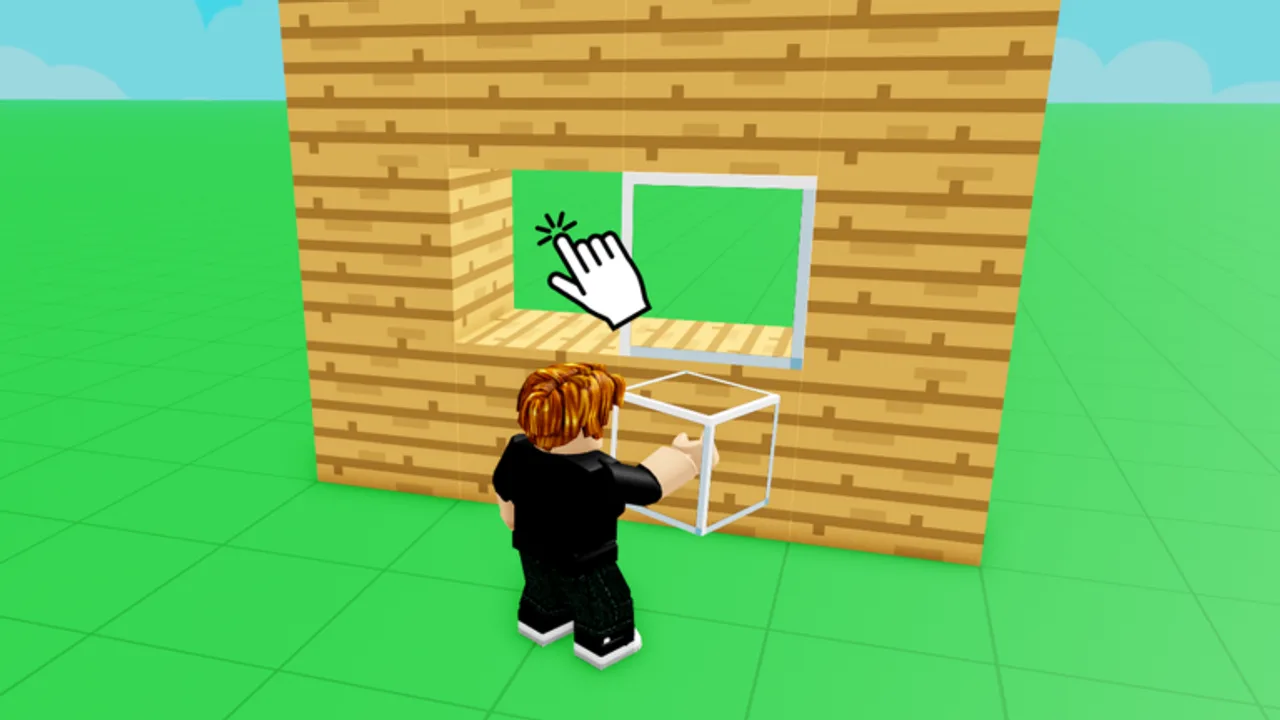
Smooth building in Build Anything! starts with comfortable controls. The Roblox sandbox from Build Anything Games uses standard Roblox movement plus experience-specific build tools along the HUD. This reference collects PC, mobile, and gamepad layouts, explains how build mode differs from explore mode, and links to guides that depend on fast inputs like Save Builds and Building Tips.
Controls can shift slightly after updates — verify labels in your settings menu if a patch lands. Check Updates when something feels different overnight.
PC keyboard and mouse
Roblox defaults apply unless Build Anything overrides them in a custom tutorial:
| Action | Default input |
|---|---|
| Move | W A S D |
| Jump | Space |
| Camera | Hold right mouse button + move mouse |
| Zoom | Mouse wheel |
| Shift lock | Shift (toggle in Roblox settings) |
| Open Roblox menu | Esc |
| Chat | Enter |
Build mode on PC
When the block catalog is open:
- Left click — place selected block or use equipped tool
- Right click — delete or alternate tool action depending on equipped item
- Number keys / hotbar — swap block types or gadgets quickly
- R or rotate key — rotate piece if exposed on HUD tooltip
- Hold key modifiers — some tools use Shift or Ctrl for precision; read on-screen hints
Large builds benefit from lowering mouse sensitivity in Roblox settings for steady camera pans. Enable Shift Lock when walking interior corridors so WASD aligns with view direction.
Mobile touch controls
Mobile adds a virtual thumbstick and context buttons:
| Action | Touch input |
|---|---|
| Move | Left virtual thumbstick |
| Jump | Jump button (usually right side) |
| Camera | Drag on empty screen space |
| Pinch | Zoom camera |
| Place block | Tap target surface when block equipped |
| Delete | Swap to delete tool or long-press per HUD label |
Mobile players struggle with fine vertical stacking. Toggle first-person or narrow FOV in Roblox settings if supported, and build scaffolding one layer at a time. Before marathon sessions, read Save Builds — mobile crashes hurt more when you skip private-server saves.
Gamepad layout
If Roblox detects a controller:
| Action | Typical mapping |
|---|---|
| Move | Left stick |
| Camera | Right stick |
| Jump | A / Cross |
| Back | B / Circle for cancel or menu |
| Hotbar | D-pad or bumpers depending on experience UI |
Build Anything may map tool activation to triggers. Open the in-game control overlay if the developer added one near spawn.
Tools and game pass gadgets
Optional passes add items with unique inputs:
- Rocket Launcher — aim + fire button; watch splash damage near friends
- Freeze Ray Gun — hold to freeze players or props for jokes
- Snowball Launcher — seasonal projectile spam
- Paint Tool — select surface then apply color swatch
- Sprint pass — dedicated sprint toggle or stamina boost
See Items Packs for bundle contents and Tier List for purchase priority.
Quality-of-life settings
Adjust these Roblox client settings before blaming the game:
- Graphics mode — lower on mobile to reduce stutter while placing blocks
- Camera mode — classic vs follow; classic helps precision
- Shift lock — improves strafing around builds
- Microphone — disable if echo interferes with co-op in Invite Friends sessions
Control mistakes that waste time
- Building in public servers without Protect Builds awareness
- Forgetting delete/undo mapping and stacking errors vertically
- Ignoring private-server workflow — see Save Builds
- Buying Sprint before learning default movement — test free sprint if any exists
Related pages
New players should pair this reference with Getting Started. Advanced builders loop back here after purchasing Rainbow Carpet or flight tools that change movement expectations. Return to the Guides Hub for the full index.
Practice drill (ten minutes)
Repeat until automatic: sprint a lap around spawn, open the block menu, place four walls and a roof, delete one block with the correct tool, swap hotbar slots twice, and zoom the camera through the doorway you created. This drill exposes binding gaps before you join a co-op build night. On mobile, perform the same drill with one thumb on the jump button ready — muscle memory prevents mis-taps that delete the wrong floor.
Frequently Asked Questions
Quick answers for Build Anything players on Roblox.
Can I rebind Build Anything controls?
Core Roblox movement uses Roblox client settings. Experience-specific tools follow in-game HUD labels unless a patch adds custom remapping.
What is the delete key on PC?
Usually right-click or a dedicated delete tool in the hotbar. Check the tooltip on your equipped item.
Are mobile controls enough for big builds?
Yes, but work slower and save often in private servers. Lower graphics to reduce stutter.
Does Sprint pass change controls?
It adds or enhances sprint movement. You still use the same placement inputs for blocks.
Where do I learn co-op voice controls?
Roblox voice is separate from build controls. See Invite Friends for party setup tips.